

Overview
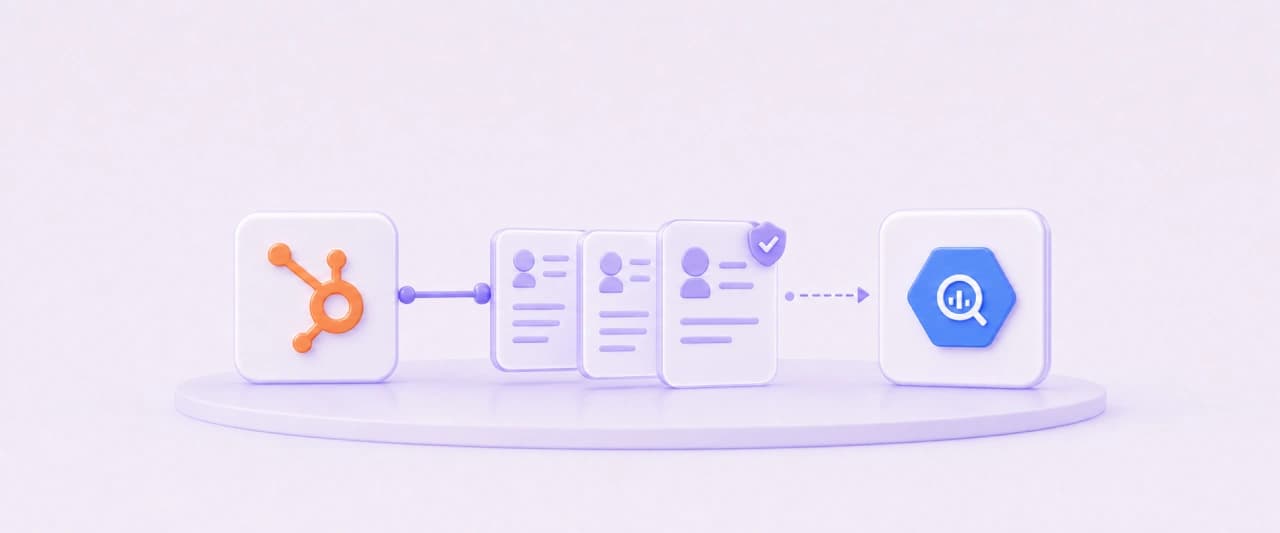
A leading dental-industry media company runs its sales and marketing on HubSpot. More than 200,000 activity records sat across contacts, companies, deals, calls, emails, meetings, tasks, notes and SMS, with no automated way to bring them together for analysis. The team also had no way to analyze how deals moved through the pipeline over time. NeenOpal built ingestion pipelines across every major HubSpot object, linked them with 15 association tables and added SCD Type 2 tracking so deal stage history is preserved in Google BigQuery. The pipelines refresh weekly with no manual intervention.
- 200K+
- activity records ingested across calls, emails, meetings, tasks, notes and SMS
- 35K+
- contacts, 8K+ companies and 9K+ deals loaded
- 9
- HubSpot object types in automated weekly sync
- 15
- association tables built and automated
- 15+
- pipelines built on one consistent design pattern
Customer Challenges
HubSpot is built for day-to-day selling, not bulk extraction. The client ran into four limits that a standard sync doesn't handle.

Nine Object Types and the Links Between Them
Contacts, companies, deals, calls, emails, meetings, tasks, notes and SMS each have their own API behavior, plus association records that connect them. Without one consistent design, more than 15 separate pipelines would each break in their own way.

A 10,000-Record Ceiling on Every Search
HubSpot's Search API returns at most 10,000 records per query. With tens of thousands of contacts and hundreds of thousands of activities, standard date-range queries silently returned incomplete data.

Timestamps That Changed Without Anyone Touching the Data
HubSpot's background processes continually update the last-modified date on records, even when no one has edited them. Weekly pipelines filtered on that field pulled back nearly every record on every run, inflating API calls and processing time.

Current State Only, No Deal History
A standard sync overwrites each deal with its latest values. The client needed to see how deals moved through the pipeline over time, which meant keeping every recorded stage, not just the current one.
Solutions
NeenOpal treated each HubSpot limit as a design input and applied one repeatable pattern across every object.
Date-Range Splitting Past the 10,000-Record Cap
Queries are split into date ranges small enough that each one stays under HubSpot's 10,000-record limit. Every range returns its full result set, so no records are dropped at the cap.
A Filter Strategy Matched to Each Object Type
NeenOpal identified the background-update behavior as the cause of inflated runs and chose a stable date filter for each object type. Activity records, which rarely change after they are created, are filtered by creation date, so weekly runs pull only what is new.
Batch API Calls Across Every Object
Make.com scenarios call HubSpot's batch endpoints over HTTP for all nine object types. Fewer, larger requests keep each run fast and reduce the total number of API calls.
SCD Type 2 Deal Stage Tracking in BigQuery
A BigQuery stored procedure, triggered weekly by Google Cloud Scheduler, compares each deal with its last recorded state. When a stage changes, the old row is closed, and a new one opened, using valid-from, valid-to and is-current fields.
Fifteen Association Tables for Connected Analysis
All 15 association tables are built with HubSpot's batch read API, which handles large entity relationships reliably. Contacts, companies, deals and activities can be joined in any combination downstream.
Services
 Google BigQuery
 HubSpot
 Google Cloud Scheduler
 Make.com
Benefits
Every CRM Object in One Warehouse
Complete data across nine HubSpot object types now sits in BigQuery beside the client's campaign, webinar and learning data, ready for cross-platform reporting.
Pipeline Trends the Team Can Finally See
With stage history preserved, the team can measure how long deals spend in each stage, where they stall and how the pipeline has shifted over time, none of which a current-state snapshot can show.
Contacts, Companies and Deals, Connected
Association tables let analysts trace activity from a contact through to the company and the deal it influenced, the foundation for attribution and account-level reporting.

Lighter Weekly Runs
Stable date filters stop HubSpot's background updates from pulling the whole CRM every week, cutting API calls and processing time on each run.

Pipelines That Run Themselves
Weekly refreshes run end to end without manual intervention, so CRM data in the warehouse stays current without anyone exporting or reconciling it.
Conclusion
NeenOpal delivered a HubSpot data platform that goes beyond ingestion. It works around HubSpot's API limits, preserves deal stage history, and links every CRM object for analysis. This pipeline is part of the wider platform described in Unified Cross-Platform Intelligence Across 20+ Data Sources.
FAQ
Common questions about HubSpot to BigQuery pipelines and deal stage history.
What is SCD Type 2 tracking and why does deal analysis need it?
A standard CRM sync overwrites each deal with its latest values, leaving only current state. SCD Type 2, or slowly changing dimension Type 2, preserves history instead: when a deal’s stage changes, the old row is closed and a new one opened, using valid-from, valid-to and is-current fields. That makes it possible to measure how long deals spend in each stage and where they stall, which a current-state snapshot cannot show.
How do you get past HubSpot’s 10,000-record Search API limit?
HubSpot’s Search API returns at most 10,000 records per query, so standard date-range queries silently return incomplete data once an object grows beyond that. The pipeline splits queries into date ranges small enough that each one stays under the cap, so every range returns its full result set and no records are lost at the ceiling.
Why do weekly HubSpot syncs pull back nearly every record each run?
HubSpot’s background processes continually update the last-modified date on records even when nobody has edited them, so any pipeline filtering on that field re-pulls almost everything every time. The fix is matching the filter to the object type: activity records rarely change after creation, so filtering them by creation date means weekly runs pull only what is genuinely new.
How are the different HubSpot objects connected once they reach BigQuery?
Through 15 association tables built with HubSpot’s batch read API, which handles large entity relationships reliably. Those tables let contacts, companies, deals and activities be joined in any combination downstream, so the nine object types function as a connected CRM history rather than nine isolated extracts.
Authors
Madhumita GiribabuSenior Associate Consultantin
Case studies
Related case studies

Moodle LMS to BigQuery: Replacing Thousands of Nested API Calls With One Pipeline
A leading dental-industry media company runs its continuing-education programs on a Moodle-based learning management system. Its 1.4M+ enrollment records held the answers to which courses drew learners, who finished them, and how completion trended over time, but none of it reached the company's analytics warehouse. The only route out was course-by-course API calls that could not run at that scale. NeenOpal designed and deployed a Python pipeline on Google Cloud Run that loaded every historical enrollment into Google BigQuery and now refreshes automatically each month. The full monthly run finishes in about 12 minutes, with no manual effort from the client's team.
Read case study
Zoom Events to BigQuery: Capturing the Attendee Data Standard Zoom APIs Miss
A leading dental-industry media company hosts hundreds of webinars a year on Zoom Events. Its reporting showed how many people attended each one, but not who they were. Without attendee-level data, the team couldn't follow up with the right people or connect webinar engagement to the rest of its marketing and CRM data. NeenOpal traced the problem to how Zoom Events is built and found an API route that returns the attendee records the client's own registrants generate. A Google Cloud Run pipeline now loads those records into Google BigQuery and refreshes them every month. The initial load covered more than 200 webinars and identified over 13,000 unique attendees.
Read case study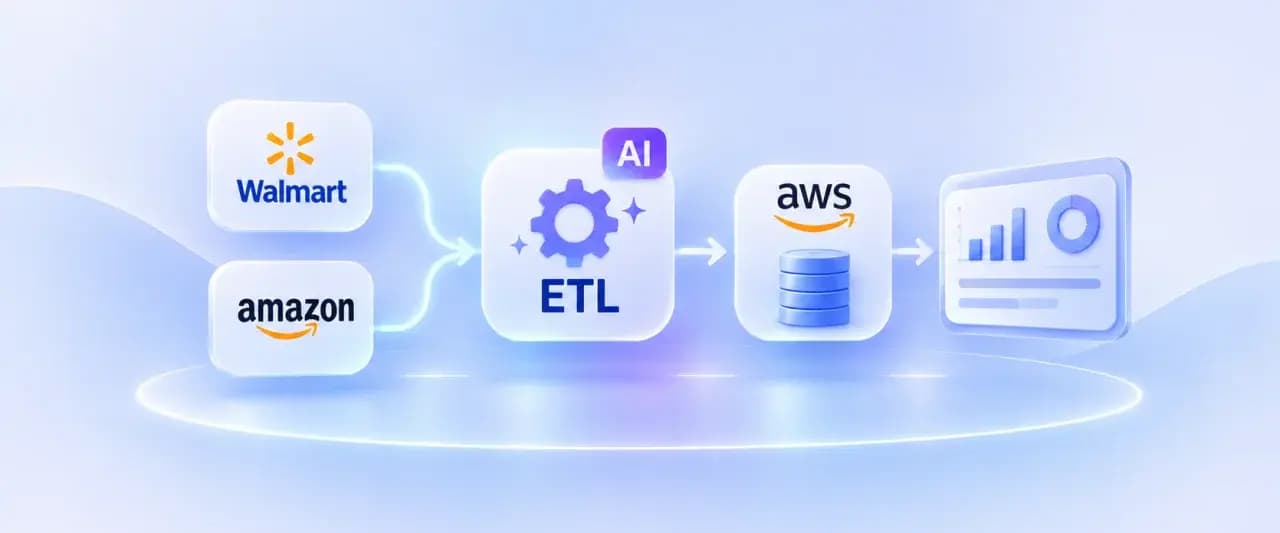
AI-Augmented ETL for Automating Multi-Portal Retail Reporting on AWS
A consumer beauty and personal care brand needed to bring its Walmart and Amazon supplier and performance data into a single AWS RDS PostgreSQL database. Walmart's data was split across a standard supplier API and three separate reporting portals (Retail Link, Scintilla, and Supplier One), each with its own authentication, file formats, and update cadence. NeenOpal designed a hybrid ETL platform with two ingestion paths running in parallel: an orchestrated API pipeline for the data Walmart exposes directly, and an AI-driven report retrieval pipeline for the data that fell outside the scope of the client's existing API access. Both paths converge on a shared Glue transformation layer, a common S3 staging area, and a single PostgreSQL database, with a separate one-time Spark job bringing in Amazon Vendor Central's historical data. The result is a single, config-driven system rather than a set of one-off integrations.
Read case study
Tableau Dashboard Development for a US Insurance Organization: 4 Data Sources Unified
Our client, an insurance organization with field teams spread across every US state, partnered with NeenOpal to replace a manual, spreadsheet-driven reporting process with a consolidated Tableau dashboard environment governed by row-level security. Operational data lived in four separate systems covering Airtable, Salesforce, Google Analytics 4, and Google Search Console, and bringing them together meant exporting and stitching the data by hand, which left leadership without a single reliable view of performance. NeenOpal consolidated all four sources into an Azure SQL Server layer, reviewed and corrected the data quality issues that surfaced along the way, and delivered three Tableau dashboards across seven screens that refresh automatically every day. Row-level security was implemented across all fifty states and the independent districts, driven by an entitlement model the client maintains through a single Google Sheet, so every representative sees the states they are responsible for and nothing more.
Read case study
Unifying Multi-Region Sales Pipeline Analytics with Power BI and Power Query
Our client, a global healthcare company with commercial operations across Africa and Western Europe, partnered with NeenOpal to build a unified sales pipeline dashboard spanning more than six regional teams across two continents. Pipeline data was managed in isolation by each region, reported in inconsistent formats, and pulled from different systems including Salesforce and SAP, leaving leadership without a consolidated view of opportunities, orders, and revenue. NeenOpal designed and delivered a centralized sales pipeline dashboard in Power BI, powered by an automated Excel and Power Query ETL layer, that standardizes data from every region into one live view. The solution tracks each opportunity from lead to shipped order, benchmarks performance against multiple internal targets, forecasts revenue from existing customers, and lets non-technical users refresh the entire report in one to two clicks.
Read case study
Unified Cross-Platform Intelligence Across 20+ Data Sources
A leading dental industry media company partnered with NeenOpal to build a centralized marketing intelligence infrastructure from the ground up. With audience data, campaign performance, CRM activity, webinar engagement, and learning platform metrics scattered across more than a dozen disconnected systems, the client lacked a unified view of marketing performance and customer engagement. NeenOpal designed and delivered a fully automated, cloud-native data platform that ingests data from 20+ marketing, CRM, and engagement platforms into Google BigQuery enabling reliable, weekly-refreshed reporting and cross-platform analytics from a single source of truth.
Read case study